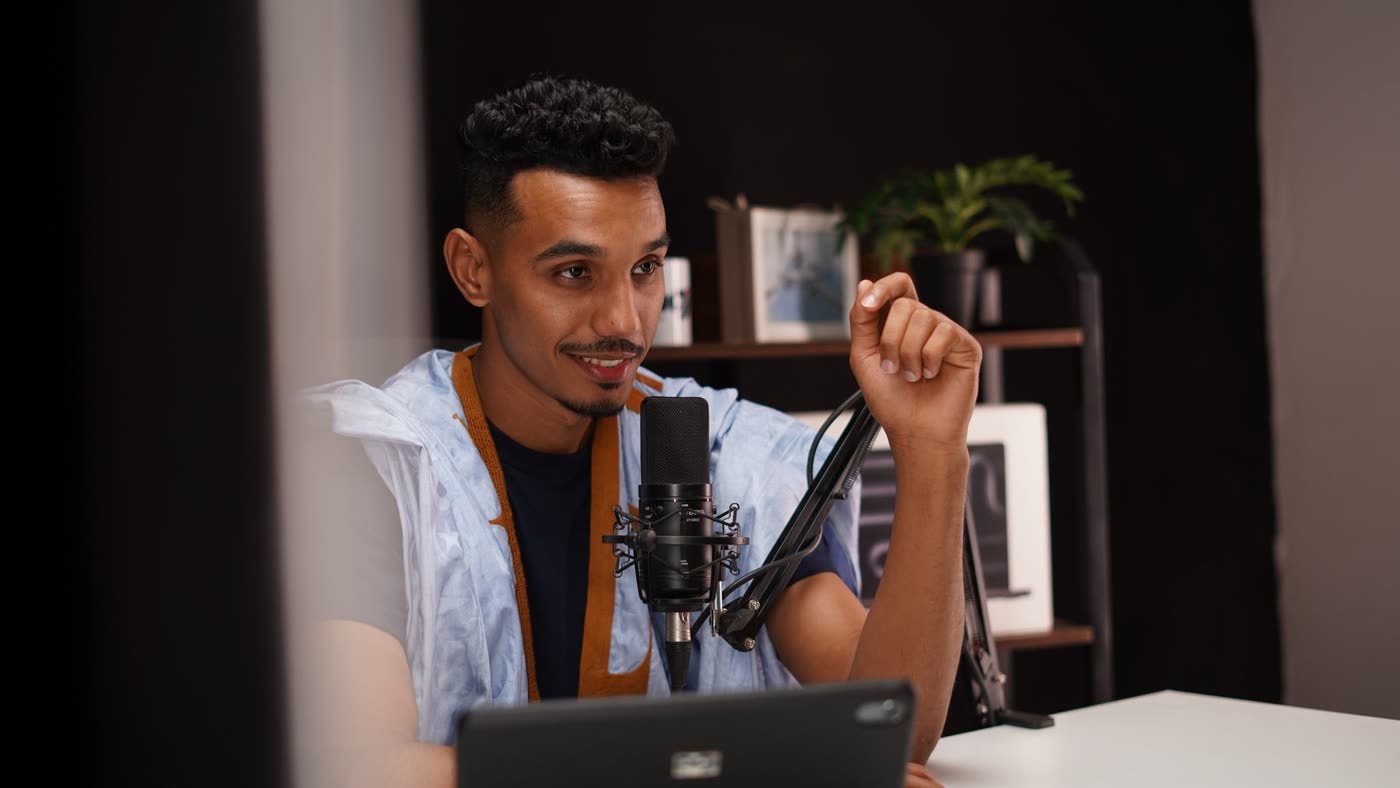
 38s
38sSign-up is only the start.
Caption drafted · Needs review
Give Parall a recording you already have. It finds the moments worth sharing and prepares the clip plan, captions, and post copy for your review.
Give Parall your recordingHere’s the webinar recording. Pick three clips for LinkedIn and Shorts this week.

I’m checking the transcript for moments that make sense without the rest of the talk.
Found three: the onboarding gap, watching a new customer, and the handoff Q&A. Each is under a minute.
Good picks. Start the second one on “Before you rewrite…” — skip the setup.
Updated clip 02’s start point. Caption breaks and vertical framing notes are in the edit brief.
Keep the captions to two lines. Keep them below the speaker’s face.
38sCaption drafted · Needs review
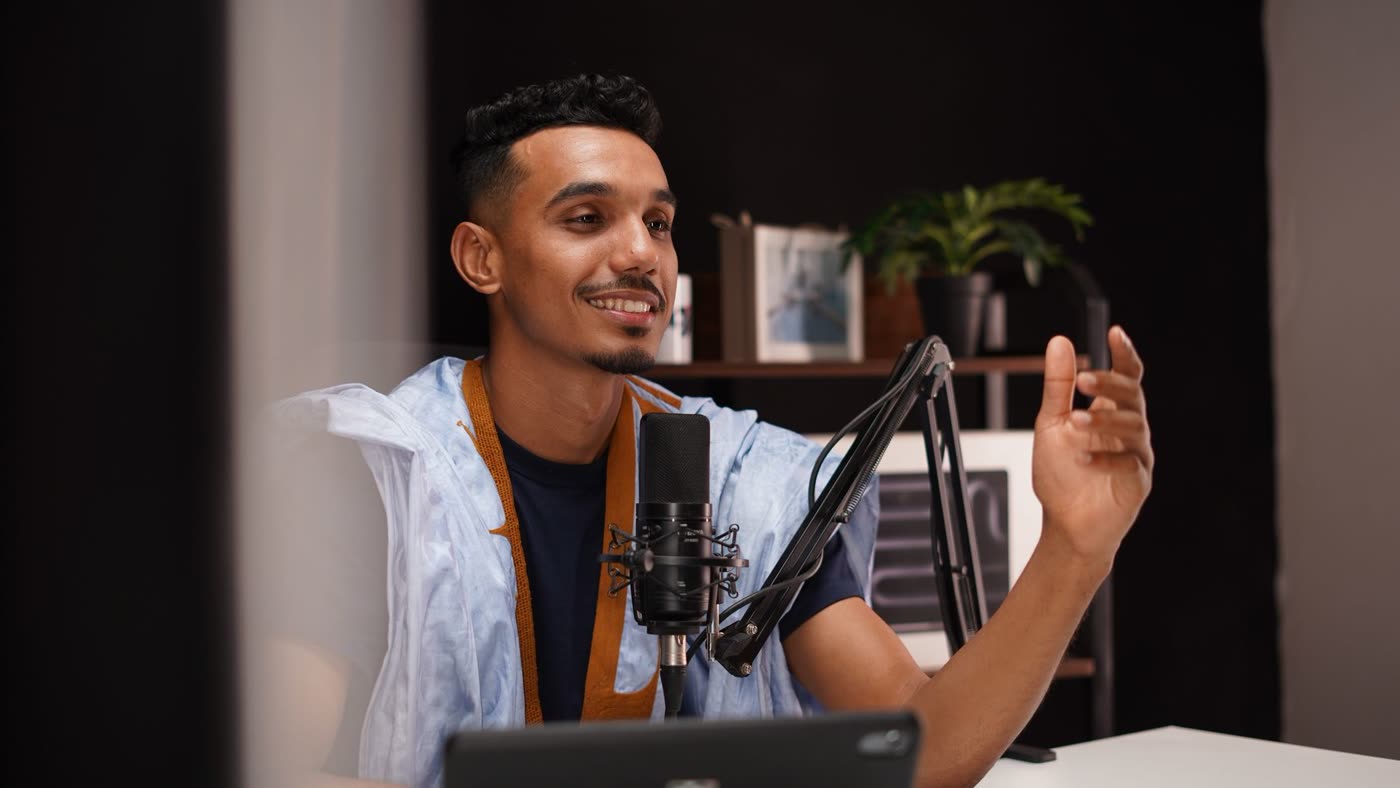 42s
42sCaption drafted · Needs review
45sCaption drafted · Needs review
Clip 02 starts on “Before you rewrite…” · captions stay to two lines, below the speaker’s face.
Updated clip 02’s start point. Caption breaks and vertical framing notes are in the edit brief.
Keep the captions to two lines. Keep them below the speaker’s face.
Three selections and post captions are ready. Monday, Wednesday, Friday?
Yes. Send me the finished cuts before anything goes live.
38sCaption drafted · Needs review
42sCaption drafted · Needs review
45sCaption drafted · Needs review
Clip 02 starts on “Before you rewrite…” · captions stay to two lines, below the speaker’s face.
Three self-contained moments, organized for the week. Finished cuts still come back to Ann before publishing.
38sCaption drafted · Needs review
42sCaption drafted · Needs review
45sCaption drafted · Needs review
Clip 02 starts on “Before you rewrite…” · captions stay to two lines, below the speaker’s face.
 LinkedIn
 YouTube Shorts
A recording you already have. This story begins with a 42-minute webinar and its transcript.
Three source selections, caption drafts, framing notes, and a Monday–Wednesday–Friday plan. Finished video cuts are still pending.
Ann reviews the finished cuts before anything goes live. Choosing a clip is not final publishing approval.
Expand as your business grows
Get started